


4 Ways Automated School Timetabling Software Saves Administrators Hundreds of Hours
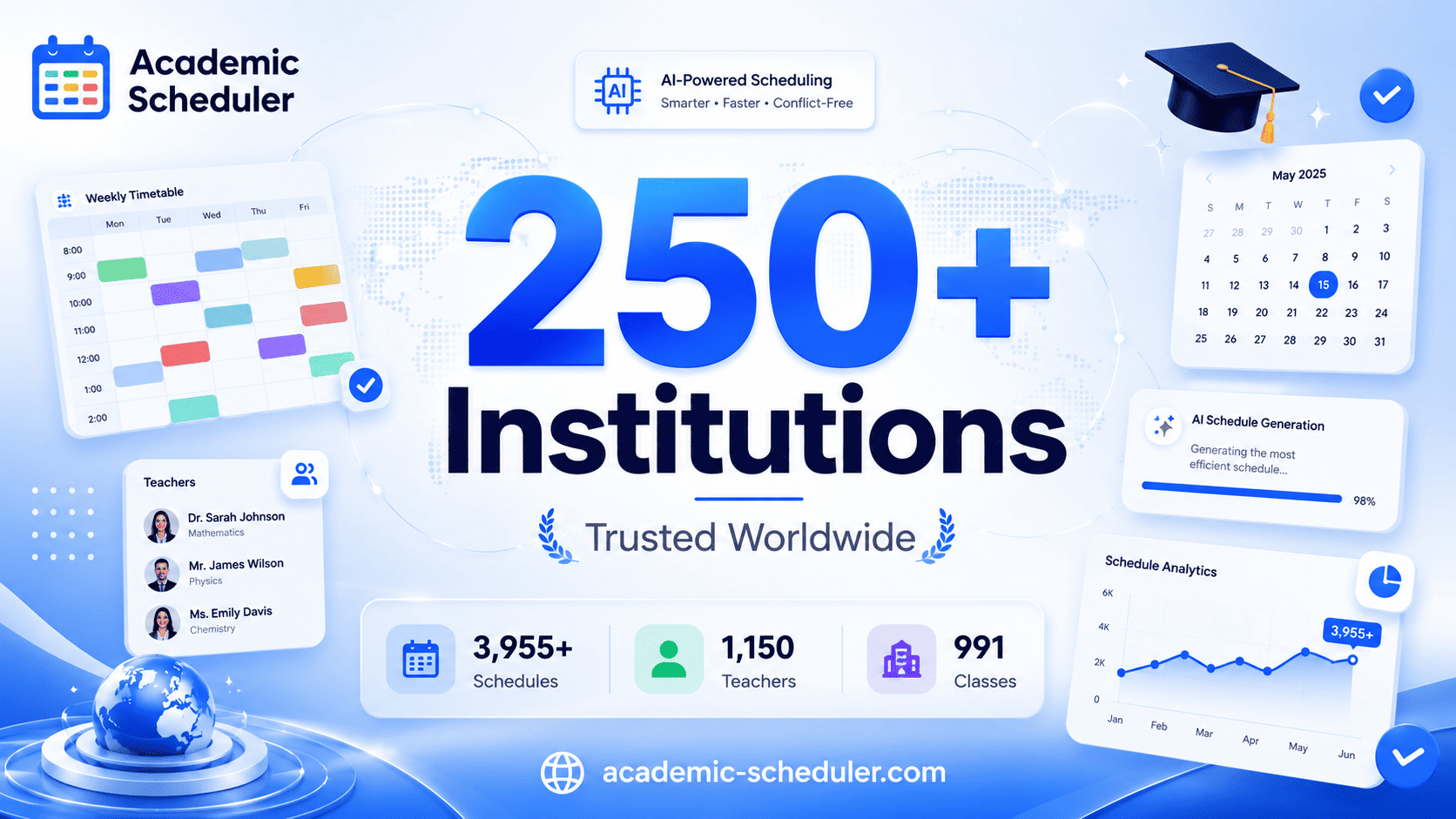
For school administrators and timetablers, the weeks leading up to the new academic year are often defined by endless coffee cups, blinking spreadsheet cursors, and the constant underlying dread of a missed conflict. Manually coordinating hundreds of students, dozens of teachers, and limited room capacities is an exhausting puzzle.
Fortunately, moving away from manual grids to purpose-built school scheduling software fundamentally transforms this process. Here are four ways automation gives administrators hundreds of hours back every year.
1. Automated Generation Replaces Manual Trial and Error
Building a master schedule by hand requires holding an impossible number of variables in your head at once. Every time you place a class, you have to manually verify that the teacher is free, the room is large enough, and no student groups overlap. One oversight means erasing hours of work.
-
How Automation Helps: Automated generation algorithms process your constraints, subject loads, and room limits instantly, building a fully optimized, clash-free draft in minutes rather than weeks.
2. Real-Time Conflict Detection Eliminates Day-One Surprises
In a manual setup, discovering that a science teacher has been double-booked usually happens on the morning of day one—triggering a stressful emergency fix while students wait.
-
How Automation Helps: Advanced academic scheduler platforms feature real-time conflict detection. The moment a placement creates an overlap or violates a school rule, the system flags it instantly so administrators can resolve it long before the term begins.
3. Instant Substitution Management Ends Morning Panic
When an unplanned teacher absence hits at 7:45 a.m., scrambling through paper records or static spreadsheets to find a qualified, unassigned cover teacher wastes precious minutes and risks accidental double-bookings.
-
How Automation Helps: Digital substitution modules provide an instant, live view of genuinely available and qualified staff per period, turning a chaotic morning emergency into a streamlined, five-minute fix.
4. Seamless Mid-Year Adjustments Prevent the Domino Effect
Staff departures, medical leaves, or late student enrolments are inevitable. In a manual system, updating one detail often triggers a destructive domino effect of forced revisions across multiple grades.
-
How Automation Helps: Dynamic editing tools allow administrators to make targeted mid-term changes while the system automatically recalculates and verifies remaining capacity, keeping the rest of the schedule completely stable.
The Bottom Line
Administrative time is too valuable to spend wrestling with static spreadsheets and manual gridlock. By adopting intelligent automation, schools can eliminate recurring scheduling bottlenecks, protect staff morale, and ensure the master schedule runs smoothly all year long.
Frequently Asked Questions
How does scheduling software save time for administrators?
Automated tools eliminate manual trial and error by instantly processing constraints, auto-filling valid slots, and running real-time conflict checks—reducing weeks of spreadsheet work to minutes.
Can scheduling software help with daily teacher absences?
Yes. Dedicated substitution tools instantly display a live list of genuinely free and qualified teachers per period, cutting the time needed to arrange cover from thirty minutes down to just a few minutes.
What happens when a mid-term schedule change is required?
Instead of triggering a massive manual rebuild, dynamic scheduling platforms allow target updates while automatically verifying that no new clashes are created elsewhere in the system.

 Arabic
 French
 Spanish
 Portuguese
 Deutsch
 Turkish
 Dutch
Dutch
 Italiano
 Russian
 Romaian
 Portuguese (Brazil)
 Greek
Greek
