


What Are the Best Free Live Video Chat Apps in 2026? Top Platforms for Unlimited Conversations, HD Video, Secure Calls, and Easy Access
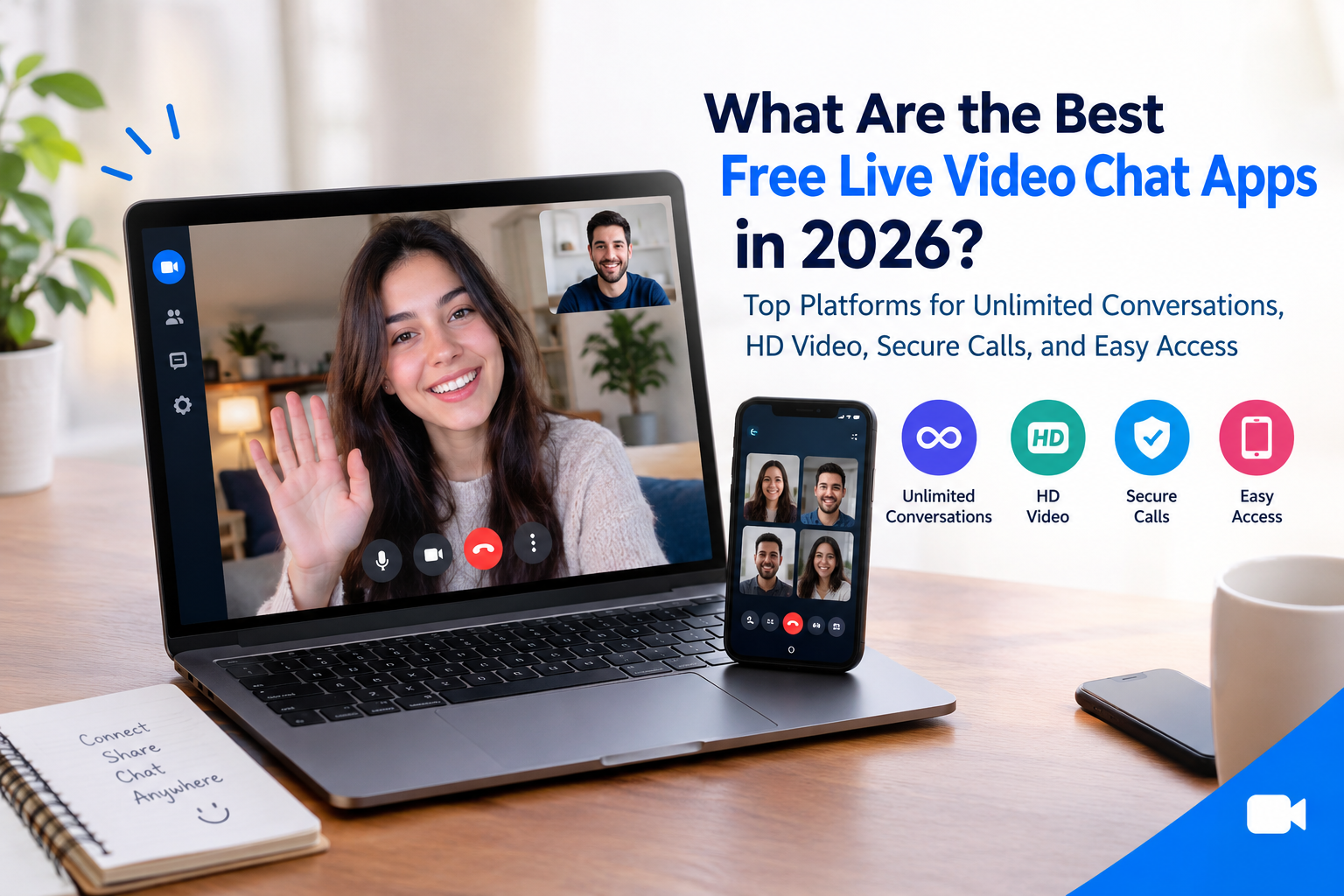
Choosing a Live video chat app in 2026 is easier when you understand what each platform offers. Free video chat tools help people connect with friends, family, colleagues, and new communities without paying for every conversation. Whether you need clear video, private calls, group discussions, or a simple way to communicate across devices, the right platform can make online conversations more convenient. Before choosing an app, consider its free features, call limits, privacy controls, video quality, and ease of use.
1. What Makes a Free Live Video Chat App Worth Using?
A good video chat app should provide reliable communication without making the experience complicated. Some apps focus on personal conversations, while others are designed for work meetings, online classes, social communities, or meeting new people.
Here are the main features to consider:
-
HD video quality: Clear video helps conversations feel more natural.
-
Good audio: A stable voice connection makes communication easier.
-
Free calling: Check whether essential features are available without payment.
-
Group calls: Useful for families, friends, teams, and online communities.
-
Privacy controls: Look for encryption, account security, and call-management options.
-
Cross-platform support: Check compatibility with Android, iOS, Windows, Mac, and web browsers.
-
Easy access: Joining a call through a link can save time.
-
Reliable performance: The app should work well with your available internet connection.
Remember that free access does not always mean unlimited calls. Some services place time limits on group meetings or reserve advanced features for paid plans.
2. Best Free Video Chat Apps in 2026
Several platforms offer useful free video communication features. The best choice depends on whether you want personal calls, professional meetings, group conversations, or social interaction.
Google Meet
Google Meet is a convenient choice for personal and professional video meetings. Users can join supported meetings through a browser or mobile app, making it accessible across different devices.
Its features may include screen sharing, meeting links, captions, and integration with other Google services.
The free plan has limits that can vary by meeting type. For example, group meetings with three or more participants are generally limited to 60 minutes on the standard free offering, while one-to-one meetings have different limits.
Best for: Online meetings, remote learning, interviews, and everyday video calls.
Zoom
Zoom is widely used for business meetings, online classes, webinars, and group conversations. It provides features such as screen sharing, meeting controls, virtual backgrounds, and collaboration tools.
Its free Basic plan generally limits meetings with three or more participants to 40 minutes. Users who need longer group sessions may need a paid plan.
Best for: Team meetings, online education, workshops, and professional communication.
WhatsApp is a popular option for personal video calls because it combines messaging, voice calls, and video communication in one application.
Users can contact people they already know, share messages, and make individual or group calls. Call quality depends on the internet connection and device being used.
WhatsApp also provides end-to-end encryption for personal calls, helping protect call content from being accessed by outsiders during transmission. However, users should still protect their devices and accounts.
Best for: Friends, families, everyday communication, and international calls.
Microsoft Teams
Microsoft Teams supports video meetings, messaging, file sharing, and collaboration. Its free offering can be useful for people who want to communicate with colleagues, classmates, or community members.
Meeting limits and available features depend on the plan. Users should check the current free-plan terms before arranging long meetings.
Best for: Small teams, study groups, workplace discussions, and collaboration.
Signal
Signal is an option for people who place a high priority on privacy. It supports encrypted messaging and voice and video calls.
Its privacy-focused design makes it suitable for personal conversations where protecting communication content is important.
As with any messaging service, privacy also depends on device security, account protection, and the people participating in a call.
Best for: Privacy-conscious users, families, and secure personal communication.
Jitsi Meet
Jitsi Meet allows users to start video meetings through a browser-based interface. Depending on the setup, participants can join through a meeting link without creating an account.
It is useful for people who want a straightforward meeting experience without installing extensive software. However, public meeting services can have practical limitations, so check current service conditions before hosting a large or important event.
Best for: Quick meetings, browser-based calls, and users who prefer fewer setup steps.
3. Which Free Video Chat App Offers the Best HD Quality?
Video quality is an important factor when comparing free platforms. However, no application can guarantee perfect HD video in every situation.
The final quality depends on your camera, device, internet speed, lighting, and the platform's connection management.
For the best results:
-
Use a stable Wi-Fi or mobile data connection.
-
Clean your camera lens.
-
Sit in a well-lit area.
-
Use headphones when possible.
-
Close applications that consume unnecessary bandwidth.
-
Update your video chat app regularly.
Google Meet, Zoom, Microsoft Teams, and other major platforms can provide clear video when supported by the device, network, and selected settings.
If your internet connection is weak, choosing a lower video resolution may provide a smoother conversation than forcing HD quality.
4. Are Free Video Chat Apps Really Unlimited?
Not always. The word free can describe several different services, and their limitations are not the same.
Some apps allow individual calls without a fixed time limit, while others limit group meetings. Certain platforms may also restrict participant numbers, recording, advanced controls, or premium features.
Before choosing an app, ask these questions:
-
Can I make unlimited one-to-one calls?
-
Are group calls subject to time limits?
-
How many people can join?
-
Do participants need accounts?
-
Is a download required?
-
Are there advertisements or optional purchases?
-
Are advanced features paid?
For example, Google Meet and Zoom have time limits for certain free group meetings. WhatsApp and Signal are more focused on personal communication, while Jitsi Meet is useful for browser-based meetings.
Always check the current terms because free-plan limits can change.
5. How to Choose a Secure Video Chat App
Privacy should be a priority when choosing a video communication service.
A secure app should provide appropriate protection for calls, account access, and personal information. End-to-end encryption is particularly useful because it is designed to prevent the service provider and other intermediaries from reading the communication content.
However, encryption does not prevent a participant from recording a call, taking screenshots, or sharing information outside the conversation.
Before starting a call, consider the following safety practices:
-
Use a strong account password.
-
Enable two-factor authentication when available.
-
Avoid sharing personal details with strangers.
-
Review camera and microphone permissions.
-
Use meeting passwords or waiting rooms when available.
-
Keep your app and operating system updated.
-
Block and report abusive participants.
-
Check who is allowed to join a meeting.
For sensitive conversations, review the platform's actual encryption design rather than assuming every video call is end-to-end encrypted.
6. Best Group Video Chat App for Families, Friends, and Teams
A Group video chat app makes it easier for several people to communicate at the same time. These apps can support family gatherings, remote work, study sessions, virtual events, and casual conversations.
Different platforms suit different needs.
For family and friends: WhatsApp is convenient when everyone already uses it.
For online meetings: Google Meet offers simple meeting links and integration with Google services.
For workshops and classes: Zoom provides meeting tools that can support presentations and structured sessions.
For collaboration: Microsoft Teams combines video meetings with chat and other work-related features.
For privacy-conscious groups: Signal is worth considering for encrypted group communication.
When comparing options, check the maximum participant count and call duration on the free plan. A platform suitable for a family call may not be ideal for a large online class.
7. Live Video Chat App Features for Meeting New People
Not every video chat service is designed for friends or work colleagues. Some platforms focus on meeting new people through social discovery, interest-based matching, or random video conversations.
These services can help users discover people outside their existing social circles, but their moderation and privacy protections vary.
Before using a social video chat platform, look for:
-
Reporting and blocking tools
-
Community guidelines
-
Clear privacy settings
-
Options to control personal information
-
Effective moderation
-
Age-appropriate safeguards
Be careful when sharing your location, phone number, workplace, financial information, or other identifying details with people you have just met.
If a platform uses virtual coins, subscriptions, or premium filters, review the costs before making a purchase.
8. How a Live Streaming App for Creators Differs From Video Chat
A Live streaming app for creators is designed primarily for broadcasting content to an audience. A standard video chat service, by contrast, usually focuses on communication between individuals or groups.
Live streaming platforms may offer public broadcasts, viewer comments, audience analytics, virtual gifts, and creator monetization features.
Video chat apps are generally more suitable for private discussions, meetings, and small-group conversations.
Some services combine both experiences, allowing creators to broadcast live and interact with guests or viewers.
If you want to become a broadcaster, compare audience discovery, moderation, recording, and monetization features rather than looking only at video-call quality.
9. Can You Make Money With Live Video Platforms?
Some platforms offer earning opportunities, but not every video chat app pays users for making calls.
Apps to make money live streaming typically use monetization methods such as advertising, subscriptions, virtual gifts, viewer donations, sponsorships, or affiliate marketing.
The availability of these features depends on the platform and creator eligibility.
Similarly, Live streaming apps that pay creators may require users to meet minimum follower counts, account requirements, location restrictions, or other conditions.
An Earn money live streaming app should be evaluated carefully before you rely on it for income. Check payment terms, revenue-sharing rules, withdrawal limits, and any applicable fees.
For most people, ordinary video calling is a communication tool, while earning money generally requires a creator-focused platform, an audience, and an eligible monetization method.
10. How to Go Live Stream Using the Right Platform
If you want to Go live stream, choose a platform based on your content and audience.
For a private conversation, a video calling app may be sufficient. For public content, interviews, gaming, or entertainment, a dedicated streaming platform may offer more suitable features.
Follow these basic steps:
-
Create or prepare your account.
-
Check the platform's broadcasting requirements.
-
Choose your topic and audience.
-
Prepare your camera and microphone.
-
Test your internet connection.
-
Review your privacy and moderation settings.
-
Start the broadcast.
-
Interact respectfully with viewers.
To Go live streaming successfully, prepare a clear topic and a simple plan for your session. If you are inviting guests, check their audio and video before beginning.
New creators should focus on reliable audio, useful content, and consistent communication before investing in expensive equipment.
11. Free vs. Paid Video Chat Apps: What Is the Difference?
Free plans are often enough for everyday calls, family conversations, and basic meetings.
Paid plans may provide longer group calls, more participants, recording options, administrative controls, advanced collaboration tools, or additional support.
Before upgrading, identify the features you actually need.
For example, a student who joins occasional meetings may be satisfied with a free service. A business that hosts regular training sessions may benefit from paid meeting management tools.
Do not pay for a subscription simply because a platform advertises premium features. Compare the free plan's limits with your actual requirements.
12. How to Get Better Results From Free Video Calls
Even the best application can provide a poor experience if your equipment or connection is not suitable.
Here are practical ways to improve your calls:
Improve your lighting: Face a window or use a light source in front of you.
Reduce background noise: Choose a quiet room and use headphones if possible.
Check your internet: Test your connection before an important meeting.
Update your software: Updates can improve performance and address security issues.
Protect your privacy: Avoid showing sensitive documents, personal addresses, or private notifications on screen.
Choose the right platform: Use a meeting service for professional collaboration and a personal calling app for everyday conversations.
These simple steps can improve communication without requiring expensive equipment.
13. Final Thoughts
The best free video chat platform in 2026 depends on how you want to communicate. Google Meet and Zoom are useful for meetings, WhatsApp is convenient for personal calls, Microsoft Teams supports collaboration, Signal emphasizes private communication, and Jitsi Meet offers a straightforward browser-based meeting experience.
Before making your choice, compare free-plan limits, video quality, participant capacity, privacy protections, and device compatibility. Remember that free access does not always mean unlimited group calls or access to every feature.
If your goal is to create public broadcasts, a Live streaming app for creators may be more suitable than a traditional video calling service. If you want to earn from broadcasting, research eligible creator programs and Apps to make money live streaming carefully.
For everyday conversations, choose a platform that is easy for everyone to use and provides the security features you need. A good video chat experience should be reliable, accessible, and comfortable for all participants.
5 Frequently Asked Questions
1. What is the best free live video chat app in 2026?
There is no single best option for everyone. Google Meet is useful for meetings, WhatsApp is convenient for personal calls, Zoom supports structured group meetings, Signal focuses on privacy, and Jitsi Meet offers browser-based access.
2. Which free video chat app offers unlimited calls?
Some services allow individual calls without a fixed time limit, but group meetings may have restrictions. Check the current free-plan terms for the platform you choose.
3. Which video chat app is best for privacy?
Signal is a strong option for privacy-focused communication because it provides end-to-end encrypted calls. WhatsApp also provides end-to-end encryption for personal calls. Always protect your device and account as well.
4. Can I use a free video chat app without downloading it?
Yes. Some services, including browser-based meeting options such as Jitsi Meet and Google Meet, can allow users to join through a web browser. Account requirements and available features vary.
5. What is the difference between a video chat app and a live streaming app?
A video chat app is mainly designed for conversations between individuals or groups. A live streaming app is generally designed for broadcasting content to an audience and may include creator tools, viewer engagement, and monetization features.

 English
 Arabic
 French
 Spanish
 Deutsch
 Turkish
 Dutch
Dutch
 Italiano
 Russian
 Romaian
 Portuguese (Brazil)
 Greek
Greek
