


How to Complete Charles Schwab 401k Login?
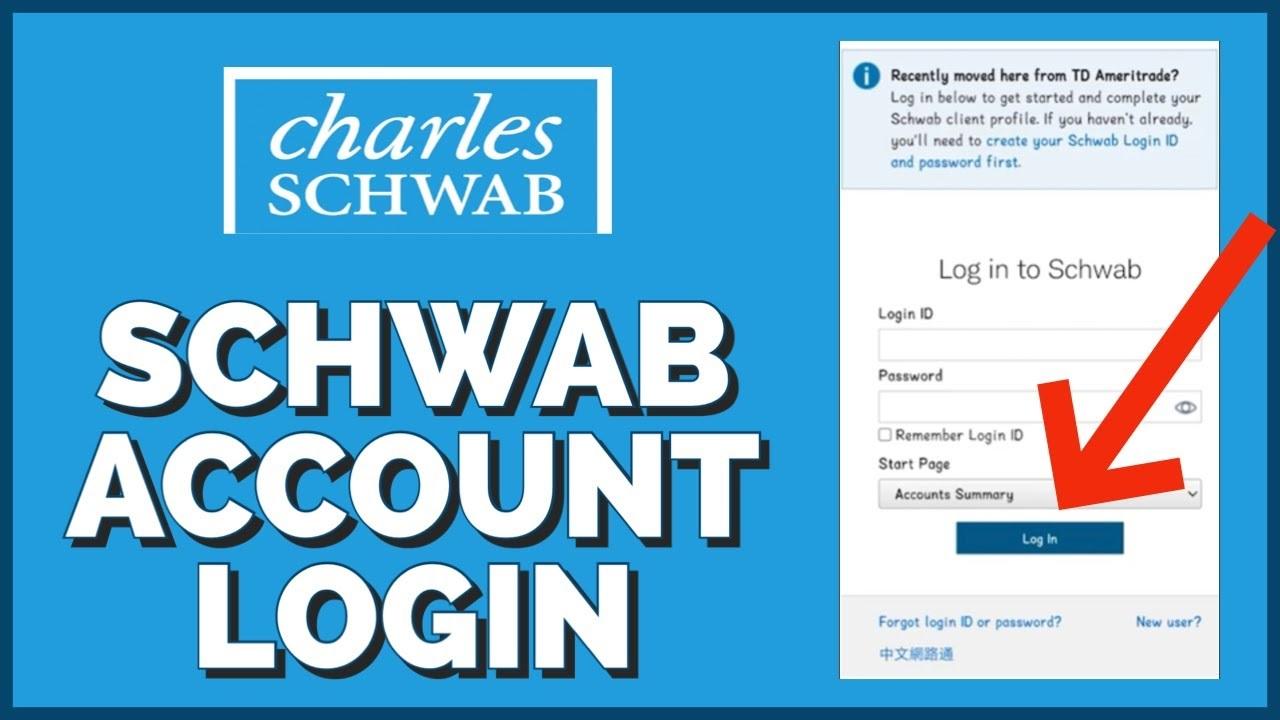
Accessing a Charles Schwab 401(k) account online is straightforward when we have the correct login credentials. Participants can use the official Schwab website to reach their retirement account and review their available account information.
Follow these steps to access your account:
1. Open your preferred web browser on your computer or mobile device.
2. Visit the official Charles Schwab website at https://www.schwab.com/.
3. Select the appropriate Log In option.
4. Enter your registered Schwab Login ID.
5. Type your account password carefully.
6. Complete any additional identity verification requested.
7. Select the sign-in option to continue.
8. Once authenticated, navigate to your workplace retirement account.
After successful authentication, we can review available retirement plan information, including account balances, investment allocations, contributions, and transaction history.
Important: Workplace retirement participants should use the login destination provided by their employer or retirement plan administrator if their account is maintained through a dedicated workplace platform.
Charles Schwab 401k Access: Manage Your Retirement Savings
The Charles Schwab 401k access portal provides participants with convenient access to important retirement account information. Instead of contacting an administrator for every account update, eligible users can review many details online.
Depending on the employer's plan, available account features may include:
· Account Balance: Check the current value of your retirement savings.
· Contribution History: Review employee and employer contributions.
· Investment Options: View available investment choices within your plan.
· Transaction Details: Monitor recent account activity.
· Beneficiary Information: Review or update beneficiary details when permitted.
· Retirement Planning: Explore available planning and retirement resources.
· Distribution Information: Review eligible withdrawal and distribution options.
· Account Statements: Access available retirement account statements and documents.
We should regularly review our retirement savings to understand how contributions and investment performance affect our long-term financial goals.
Charles Schwab Workplace Login: Sign In to Your Employer Retirement Plan
The Charles Schwab Workplace Login option is intended for participants who access retirement benefits through an employer-sponsored workplace plan.
Workplace retirement accounts are different from regular individual brokerage accounts. An employer may select specific retirement services, investment options, contribution arrangements, and account management features for employees.
To complete the Schwab Workplace Login process:
1. Visit the workplace retirement login page supplied by your employer.
2. Select the participant login option.
3. Enter your registered username or Login ID.
4. Provide your password.
5. Complete the required security verification.
6. Open your retirement account dashboard.
If you are accessing your workplace account for the first time, you may need to complete an account registration process. Keep your personal information and employment details available because the registration process may require identity verification.
Employees should also check their employer's benefits portal for the correct retirement account access instructions.
Charles Schwab Alliance Login: Access Your Schwab Alliance Account
The Charles Schwab Alliance Login is designed for clients who use Schwab Alliance to access investment accounts and financial information associated with an independent investment advisor.
Schwab Alliance is different from the standard workplace retirement login. It provides eligible clients with online access to account information and advisor-related services.
To access Schwab Alliance:
1. Navigate to the official Schwab website.
2. Locate the Schwab Alliance login option or use the login link provided by your advisor.
3. Enter your registered login credentials.
4. Complete any requested security verification.
5. Access your available account information.
Through the appropriate Alliance account, clients may be able to review balances, investment holdings, account statements, and transaction information.
If you are a workplace retirement participant rather than an investment advisory client, use your employer's designated retirement login instead.
Charles Schwab Client Login: Access Your Online Account
The Charles Schwab Client Login portal provides registered clients with access to their eligible Schwab accounts.
Clients may use the online platform to review financial information, monitor investment activity, and manage available account services.
For a successful client login, we should always verify that we are visiting the official Schwab website. Entering account information on an unfamiliar website can expose sensitive financial details.
After logging in, the dashboard may provide access to:
· Account balances and available funds.
· Investment holdings and portfolio information.
· Recent transactions and account activity.
· Statements and tax documents.
· Available account management features.
· Security settings and personal information.
The features displayed depend on the type of Schwab account and the services associated with it.
Charles Schwab Customer Login: Sign In Securely
The Charles Schwab Customer Login process allows existing customers to access their eligible accounts through the official online platform.
Before signing in, we should confirm that the website address belongs to Charles Schwab. We should avoid clicking suspicious login links received through unexpected emails, text messages, or social media advertisements.
For better account security, follow these precautions:
· Use a strong and unique password.
· Never share your login credentials with anyone.
· Enable available two-factor authentication features.
· Avoid accessing financial accounts through public computers.
· Keep your browser and mobile applications updated.
· Review account activity regularly.
· Sign out after using a shared device.
These security practices help protect personal and financial information while accessing a Schwab account.
Charles Schwab Login Mobile: Access Your Account on a Smartphone
We can also access eligible Charles Schwab accounts through a smartphone. The Charles Schwab Login Mobile option makes it easier to review account information without using a desktop computer.
Users can download the official Schwab mobile application from the Apple App Store or Google Play Store.
Steps to Complete Charles Schwab Mobile Login
1. Open the Apple App Store or Google Play Store.
2. Search for the official Charles Schwab application.
3. Verify the publisher before downloading.
4. Install and open the application.
5. Enter your registered Login ID and password.
6. Complete the required security verification.
7. Access the available account dashboard.
The mobile application may provide access to account balances, investment information, transaction history, and other eligible account services.
Workplace retirement participants should check whether their particular plan supports access through the standard Schwab mobile application or requires a separate workplace login experience.

 English
 Arabic
 French
 Portuguese
 Deutsch
 Turkish
 Dutch
 Italiano
 Russian
 Romaian
 Portuguese (Brazil)
 Greek